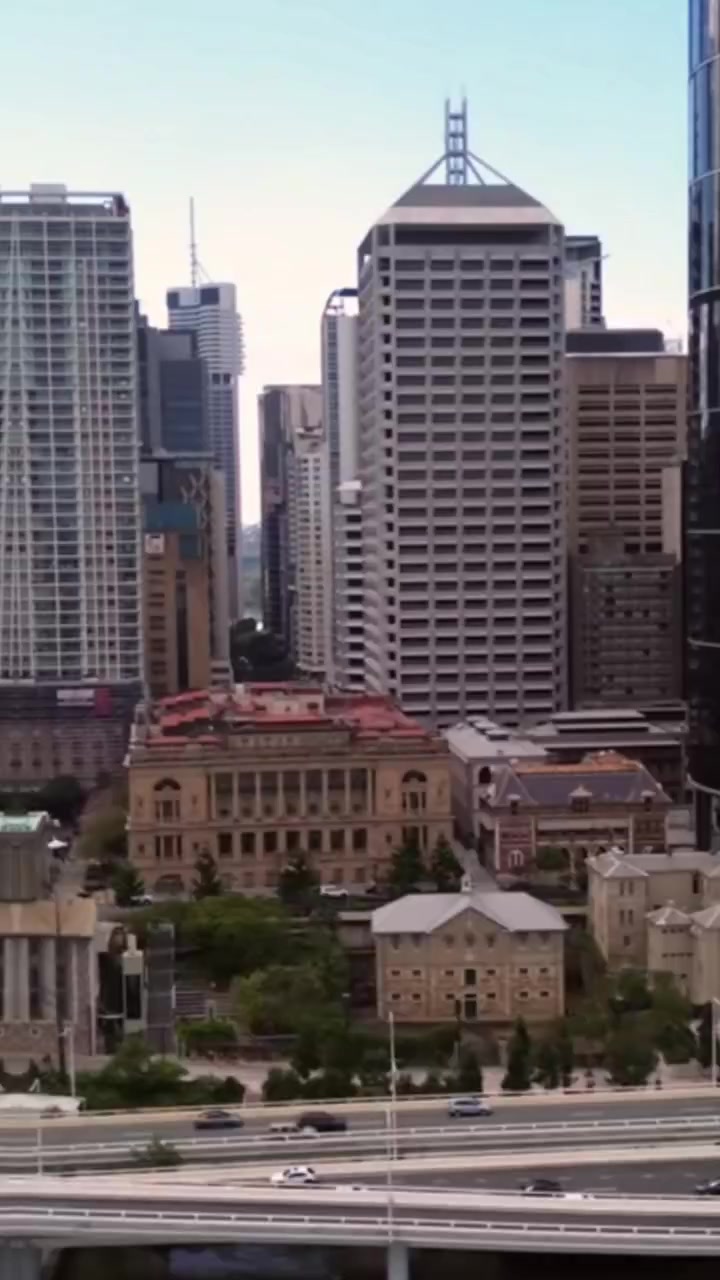
Place it.
A model vertex reaches the display through a chain of transforms:
clip = P × V × A × M × vertexP is the camera projection; V is the view; A is the anchor pose; M positions the model relative to its anchor.

A guide should feel like they were already there. Your painting should still look like your painting. Between those two ideas sits a lot of careful work.
Back to the game ↗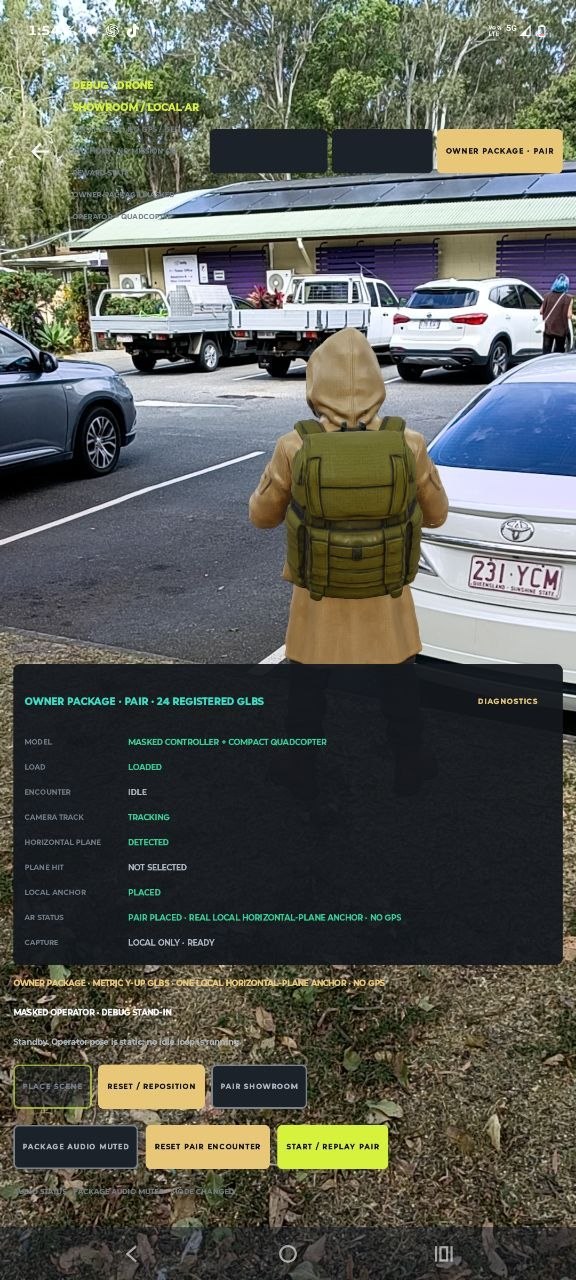
Before a guide can greet you, the phone needs an estimate of where it is and which surface you are pointing at. A hit test intersects the camera’s viewing ray with a tracked surface. An anchor gives the character a position and orientation to follow as that estimate changes.
The field capture is evidence of local AR placement. It does not prove a permanent GPS anchor, a finished mission or perfect tracking in every street.
The anchor mechanics / ARCore ↗A model vertex reaches the display through a chain of transforms:
clip = P × V × A × M × vertexP is the camera projection; V is the view; A is the anchor pose; M positions the model relative to its anchor.
d = √(Δx² + Δy² + Δz²)Camera-to-anchor distance can drive a greeting. Tracking quality, separate enter/leave thresholds and a one-time latch stop it firing repeatedly. Device acceptance of the current proximity behaviour remains open.
A mesh supplies the shape. A skeleton supplies the joints. Skin weights decide how each joint moves the surface. Animation clips and procedural offsets then need to agree on who controls those joints.
The NPC implementation has procedural motion and configurable voice. Smoothness and voice still need acceptance on a free device; authored idle, turning and phone-showing clips remain open work. A nice render is not proof of those behaviours.
This is an explanatory production pipeline, not a recording of Blender or a claim that every step is complete.
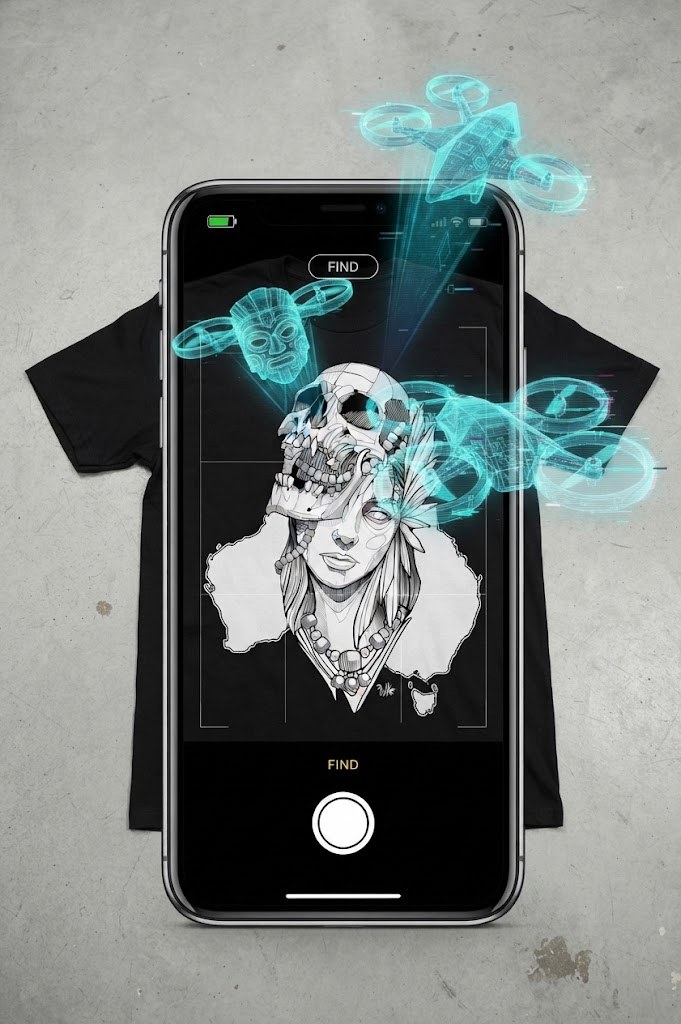
The goal is a measured rise and bank over your photograph: a quiet reveal that lets the piece fill the frame. The current development preview uses a rule-based relative-depth prior and bounded warping. It is not a reconstructed drone flight; automatic depth inference and MP4 export remain separate unfinished gates.
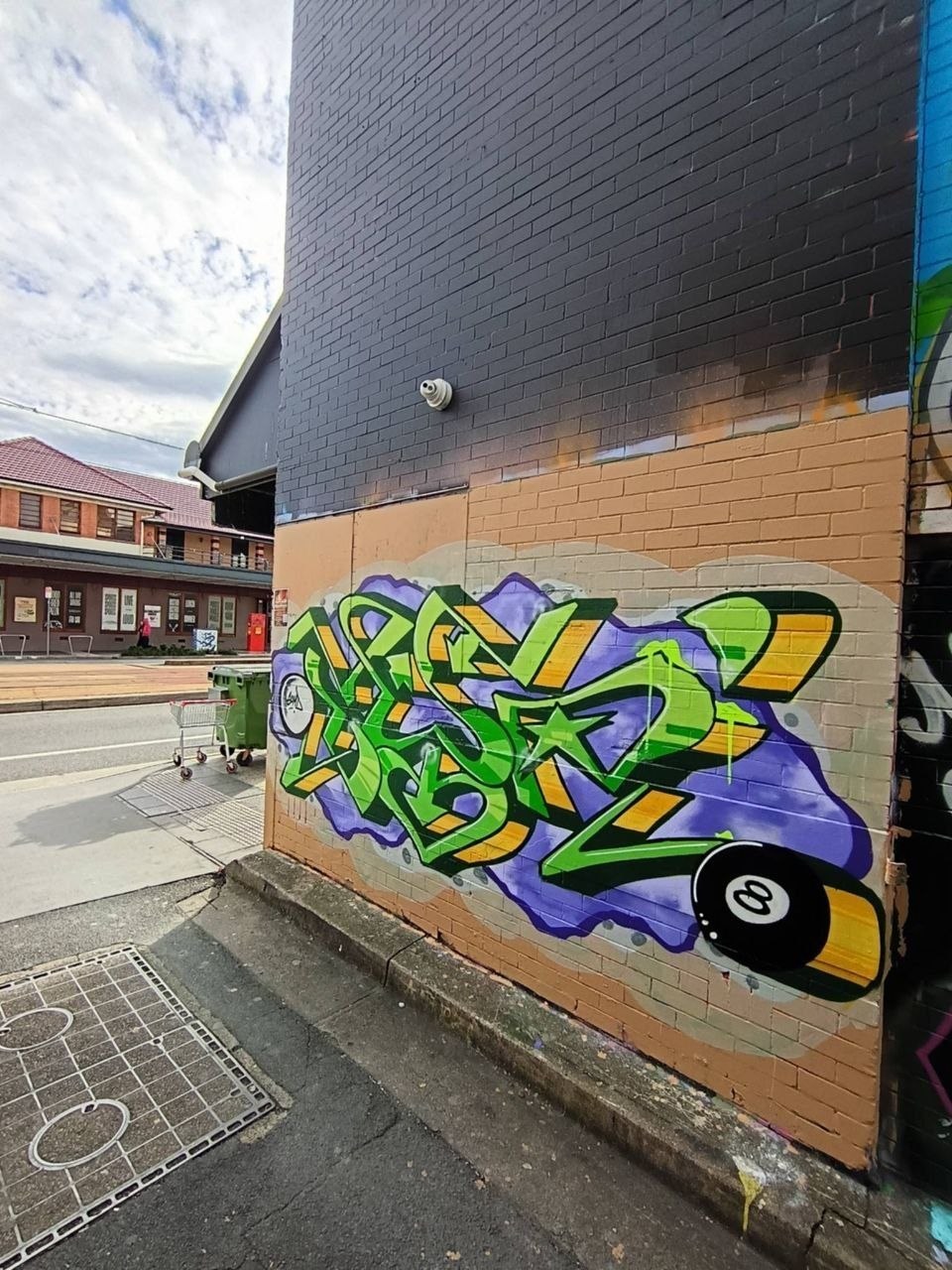
3D Gaussian splatting represents a scene using oriented, translucent 3D Gaussians. A covariance matrix controls each splat’s shape; projected splats are composited to render a view. The original method learns from calibrated multi-view imagery. One frontal photograph cannot reveal the hidden street behind a wall.
GSPOTS does not currently implement Gaussian splatting. The replay prototype relocates pixels from the real photograph using approximate depth. Limited movement, edge inspection and a fallback to the original matter more than pretending we know what is out of frame.
Read the original research ↗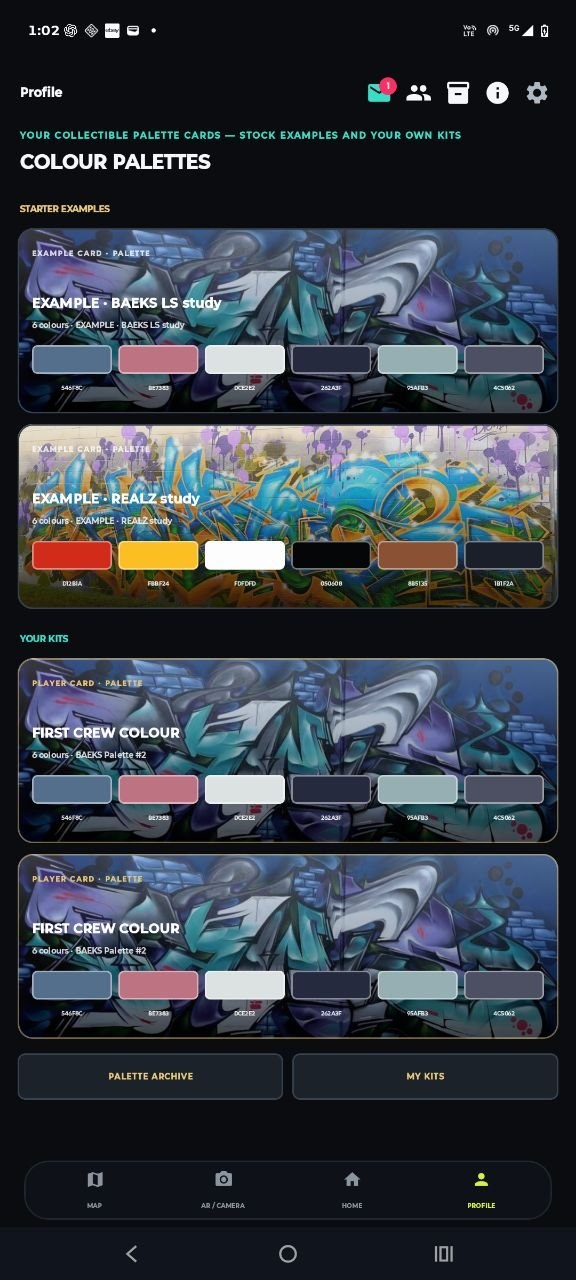
The collection card starts with actual artwork. Every demo swatch can be traced to a pixel in its source photo. Your selected repeats stack as swatches; they do not turn into invented paint stock or artificial rarity.
The website lab saves drafts to this browser. Game inventory sync, minting and ownership verification are not connected.
Build a colour card ↗